 Scrib Notes

Scrib
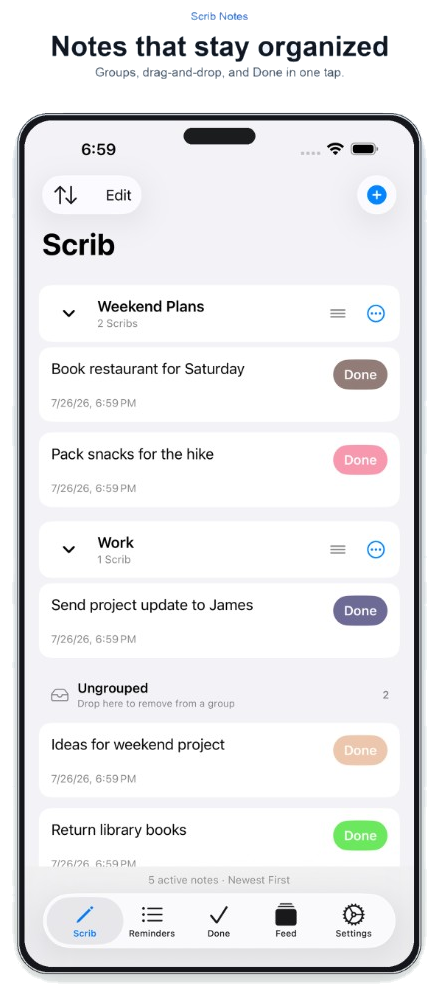
Notes that stay organized
Groups, drag-and-drop, and Done in one tap.
-
1
Add a noteTap + and choose New Scrib. Notes show a timestamp and sort Newest First by default (or switch to Oldest First).
-
2
Organize with groupsCreate a New Group, drag notes in or out, drop them in Ungrouped, or use Group options to rename, delete, or Mark All Done.
-
3
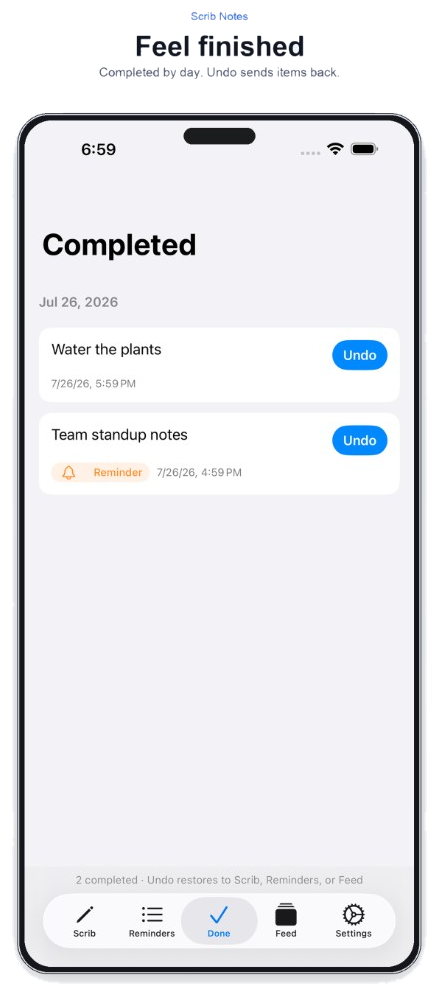
Finish in one tapHit Done on any note to send it to the Done tab. Use Edit to select and clean up in bulk.